
Technology Analysts believe that PCs will never be outdated by smartphones and many other portable gadgets as well as iPad minis and tablets because PCs are still denanded for computer shops and photography businesses for video editing and other long processes for easy and convenient work. A lot of people tend to refer on touchscreen gadgets but practically speaking, desktops are more convenient to use than these portable minis. Also for security purposes, many of the gadgets today are still more accesible and personal data are still at risk.


Can Tech Newbies Create Products for Tech Natives?
Written by: Stuart Karten
Most
designers are digital immigrants--and yet their target audiences are
digital natives. That poses a serious challenge for designers.

Ever wonder why the email icon on your computer looks like a postage stamp or an envelope? Think about it: email has almost made the postage stamp irrelevant, so why does the icon cling to an antiquated ceremony?
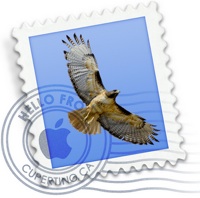
Marc Prensky first introduced this segmentation in his paper, "Digital Natives and Digital Immigrants." Though the paper was written for educators, Prensky's observations are relevant to designers, whose products must appeal to both Digital Immigrants--Baby Boomers and anyone over the age of approximately 30 who has adopted and adapted to digital technology later on in life--and Digital Natives--those who have grown up with digital technology since their infancy.
As we've studied people's emotional and behavioral responses to shifting technologies, I've noticed a divide between Digital Natives and Digital Immigrants and developed strategies for addressing the needs of each group.
While it's harder to earn the trust of a Digital Immigrant, it's harder to impress a Digital Native.Digital Immigrants, who hold the most buying power today, are not technophobes. Many have smartphones and Facebook accounts, and we represent a majority of mainstream bloggers. Still, as Prensky points out, "digital" is a second language for those of us born before computers and cell phones entered every home. While we have learned the language and many of us speak it fluently, Digital Immigrants speak with an Analog accent, detected in behaviors that cling to old world experiences, like printing and filing emails.
In addition to this Analog accent, I've noticed that Digital Immigrants carry some heavy baggage from the old world. It shows up in the form of attachment to existing ceremonies and a subtle distrust of new things. Bridging this distrust is often done through gradual evolutions that digitize old experiences while maintaining familiar reference points. Like the email icon.
Designing for a Digital Native requires a completely different mindset--one that we need to understand as those in their teens and twenties gain a louder voice in the marketplace. While it's harder to earn the trust of a Digital Immigrant, it's harder to impress a Digital Native. Fast-paced change is the rule rather than the exception for the generation that grew up immersed in video games, MP3s and a limitless worldwide web. While you and I may marvel at the multi-tasking ability of the iPhone or the connective power of LinkedIn, Digital Natives take this abundance of information for granted.
As my team and I developed the LifeStudio family of drives for Hitachi GST--a product line targeted to these tech-savvy content creators--we compiled a list of products that have rocked the market by successfully appealing to Digital Natives.
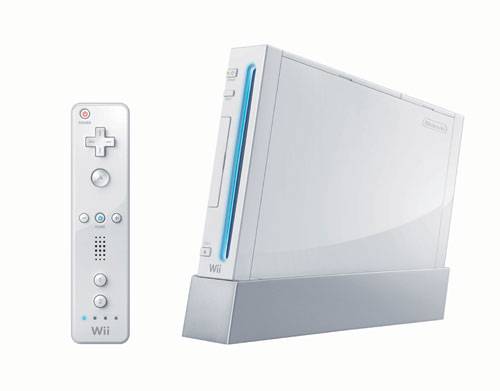
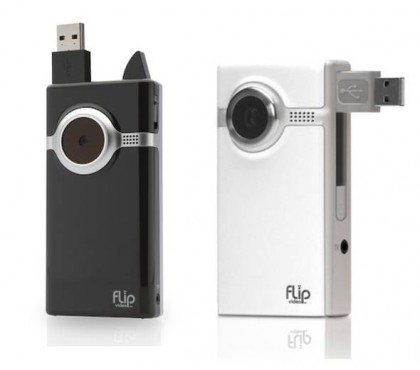

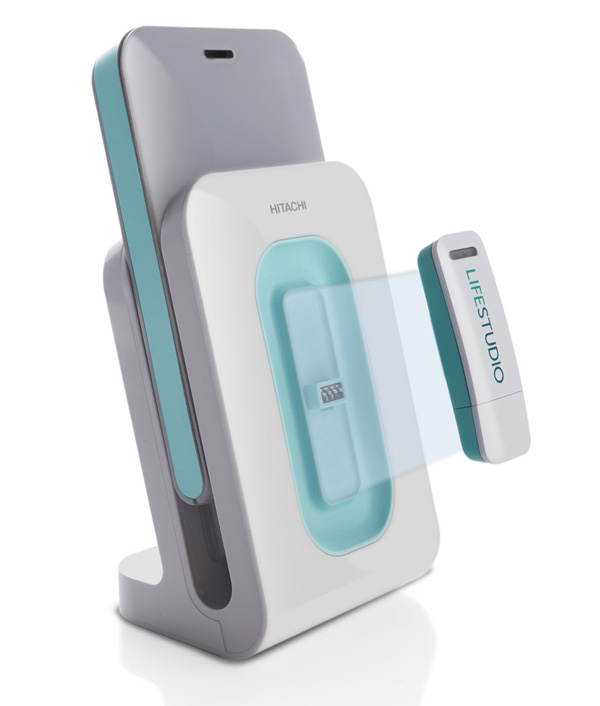
The more I learn about Digital Natives, the more I'm excited about the design opportunities these young people could spur. They are quick to embrace new ideas and technologies and need few familiar reference points to entice them into a new experience. But this does not mean that they are easy customers. On the contrary, they demand value, relevance, and innovation. We designers must be up to the challenge as Digital Natives become the prime demographic.